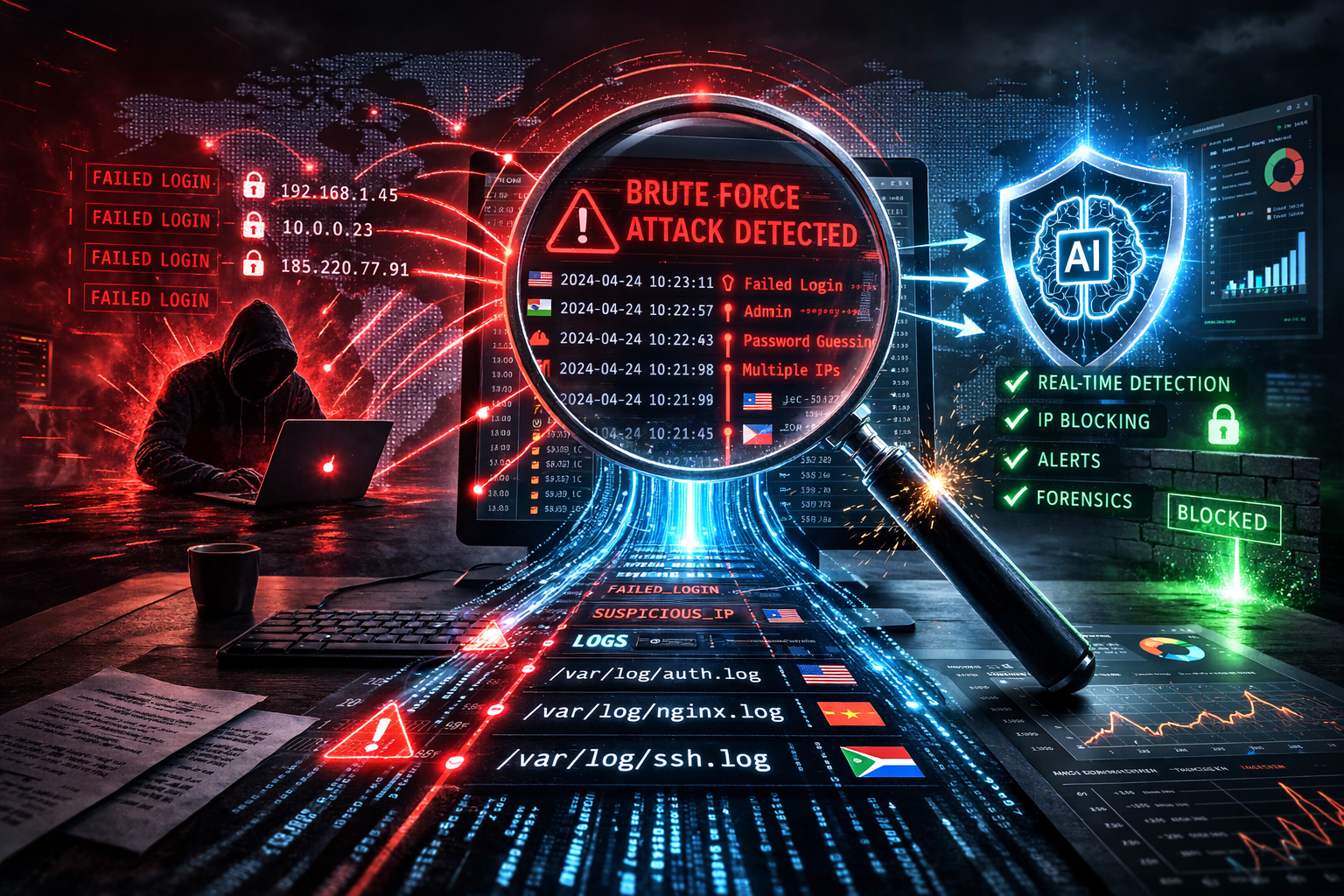
In the rapidly evolving landscape of cybersecurity, choosing the right tools for log analysis and threat detection is paramount. While many turn to solutions like "loghunter AI," it's crucial to explore alternatives that might offer enhanced capabilities and better meet your organization's needs. In this guide, we delve into the strengths of LogAnalyzer.AI, a comprehensive AI-powered security investigation assistant that stands out in the world of log analysis.
Why Consider Alternatives to Loghunter AI?
When evaluating log analysis tools, it's important to find a solution that offers not only robust features but also flexibility and scalability. Exploring alternatives like LogAnalyzer.AI can provide several advantages, including:
- Enhanced AI Capabilities: LogAnalyzer.AI uses state-of-the-art natural language processing to interpret log data, offering clear insights that help in quick decision-making and proactive security measures. The emphasis on AI-driven analysis ensures that even subtle anomalies are detected and addressed before they escalate into bigger issues.
- Diverse Log Support: Supports a wide range of logs, from Windows Event Logs to AWS CloudTrail, ensuring comprehensive coverage and eliminating the need for multiple disparate tools. This versatility is crucial for organizations with multi-platform environments seeking a unified log management approach.
- Integration with Workflows: Organize findings into investigation workflows for more efficient threat response with tools that sync seamlessly with existing systems. Workflow integration ensures that no time is lost in the analysis phase, enabling quicker mitigation steps.
Evaluating these aspects can lead to more informed purchasing decisions and better alignment with your security goals. For instance, if your organization frequently faces security threats requiring rapid assessment, a tool with strong AI integration may significantly enhance your team's response time.
Key Features of LogAnalyzer.AI
Understanding what makes LogAnalyzer.AI a formidable choice in log analysis can highlight its practicality for security teams:
Smart Scan for Accurate Log Analysis
LogAnalyzer.AI shines with its Smart Scan feature, designed to streamline the log analysis process. It allows users to upload logs and receive plain English interpretations of complex log data. This feature is invaluable for security analysts aiming for quick and accurate insights without wading through raw data.
Moreover, the simplicity of Smart Scan means even less technically-inclined team members can understand the results, empowering broader team engagement and quicker remediation actions. This democratization of data interpretation ensures that decision-makers, irrespective of technical expertise, can take informed actions swiftly.
Interactive Chat for Real-Time Clarity
Another standout feature is the Interactive Chat functionality. It empowers users to engage in a Q&A format with the AI, providing clarifications and deeper insights into specific log entries. This interaction can dramatically reduce the time spent on data interpretation and enhance decision-making efficiency.
Real-life scenarios where Interactive Chat proves beneficial include instant clarification on unexpected log patterns and immediate guidance on anomaly resolution strategies. For example, if a suspicious login attempt is detected late at night, the interactive chat can quickly assess contextual data to confirm or dismiss a potential threat.
Schedule Scan for Automated Analysis
Automation is the cornerstone of modern cybersecurity operations. LogAnalyzer.AI offers a Schedule Scan feature, which allows users to set recurring log analyses. This ensures continuous monitoring and timely detection of anomalies, critical in maintaining robust security postures.
Implementing Schedule Scans allows small teams to manage large volumes of data effectively, ensuring no threat goes undetected simply due to human oversight or operational bandwidth constraints. The automation feature is particularly useful for teams that need to focus on strategic tasks while ensuring daily operations remain secure.
Investigation Cases for Streamlined Workflows
LogAnalyzer.AI enables security teams to organize their findings into Investigation Cases. This feature facilitates seamless collaboration and offers a structured approach to handling security incidents. By providing an intuitive workflow, teams can prioritize threats and coordinate responses effectively.
For example, during a breach, Investigation Cases allow all related data to remain centralized, making it easier for different team members to access necessary information and contribute efficiently. This centralization ensures that all logs related to an incident are analyzed in unison, providing a comprehensive understanding of the threat.
Comprehensive Support for Various Logs
In a diverse IT environment, support for multiple log types is essential. LogAnalyzer.AI supports a wide array, including Syslog, Azure Activity Logs, and firewall logs, thus accommodating varied infrastructure setups and ensuring no critical data is overlooked.
This extensive support makes it possible for organizations with complex environments to consolidate their log analysis efforts, streamlining operations and improving accuracy in threat detection.
Additional Benefits of Using LogAnalyzer.AI
Besides its core features, choosing LogAnalyzer.AI comes with various additional benefits that can further enhance operational efficiency and security:
- User-Friendly Interface: Its intuitive design helps speed up the learning curve for new users and reduces the burden on IT support staff. This is crucial in environments where quick onboarding and rapid tool utilization are needed to combat emerging threats.
- Active Community and Support: With robust support channels and an active user community, LogAnalyzer.AI provides ample resources for problem-solving and feature optimization. Engaging with the user community can offer insights into best practices and innovative uses of the platform.
Checklist for Evaluating Log Analysis Tools
Evaluating a log analysis tool requires a thorough assessment of its capabilities and how they align with organizational needs. Here’s a checklist to guide your evaluation:
- Does the tool support varied log formats critical to your infrastructure?
- Is AI-powered analysis part of its feature set to enhance data interpretation?
- Can you automate log analysis for consistent monitoring?
- Does it offer an interactive feature to delve deeper into log data?
- Are findings organized in a way that supports effective team collaboration?
- How does its pricing align with your budget?
- Is there access to dedicated support and training resources?
- Does it integrate easily with your existing cybersecurity suite?
FAQ: Choosing the Right Log Analysis Tool
What makes LogAnalyzer.AI a strong alternative to Loghunter AI?
LogAnalyzer.AI offers comprehensive features like Smart Scan and Interactive Chat that enhance log data interpretation and streamline workflows, making it a robust alternative capable of catering to diverse security challenges.
Is LogAnalyzer.AI suitable for small security teams?
Yes, it's designed to be scalable, supporting both small and large security operations centers (SOCs) with features that enhance both simplicity and depth of analysis, making it adaptable to various team sizes and needs.
How can I try LogAnalyzer.AI before committing?
Explore LogAnalyzer.AI with its free Smart Scan trial to evaluate its capabilities firsthand. The trial provides a risk-free opportunity to assess how well the tool fits within your operational ecosystem.
What types of logs can LogAnalyzer.AI handle?
LogAnalyzer.AI is versatile, handling diverse logs like Syslog, firewalls, and cloud services such as AWS and Azure, reflecting its adaptability to a range of IT setups and compliance requirements.
Conclusion
In the quest for effective log analysis solutions, exploring alternatives to Loghunter AI can lead to discovering tools like LogAnalyzer.AI that offer enhanced capabilities and a streamlined approach to security workflows. By leveraging features like AI-powered analysis, automation, and interactive insights, organizations can significantly bolster their threat detection efforts.
Ready to experience the power of advanced log analysis? Try Smart Scan Free today and bring a new level of clarity to your security investigations.