In today's digital landscape, brute force attacks are a persistent threat. These attacks can compromise systems by guessing passwords through trial and error, typically targeting login credentials. As security analysts, recognizing such intrusions in their early stages is crucial. In this article, we delve into how to detect brute force attacks in logs―enhancing your organization's security posture in the process.
Understanding Brute Force Attacks
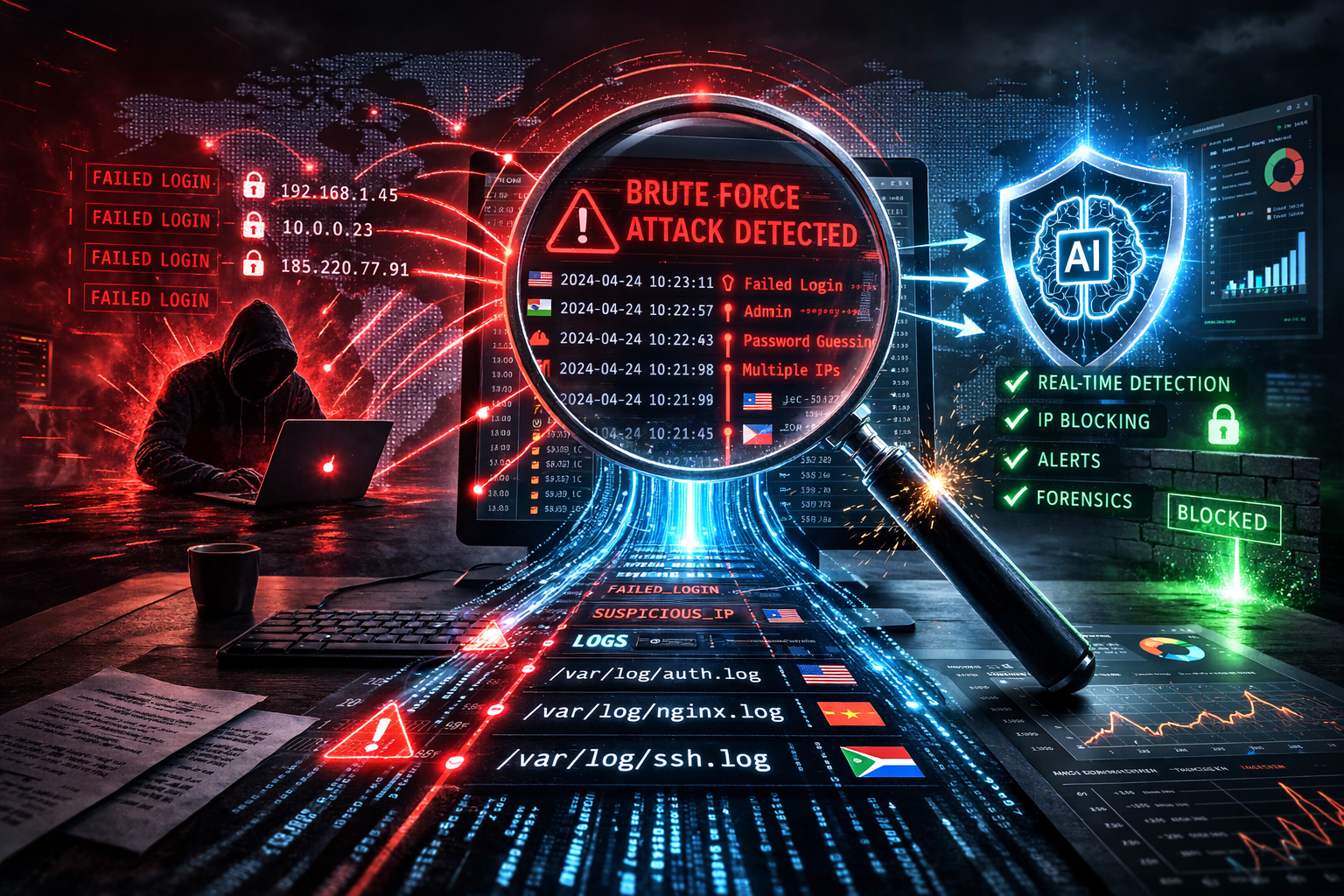
Brute force attacks are a straightforward method employed by attackers to gain unauthorized access to computers, networks, or applications. By attempting multiple combinations of usernames and passwords, an attacker hopes to eventually achieve successful authentication.
Characteristics of Brute Force Attacks
- High number of failed login attempts: This is the most apparent indicator.
- Multiple login attempts from a single IP address: Especially in a short time frame.
- Odd login hours: Attempts occurring at unusual times, often outside of business hours.
- Use of automated tools: Noticeable due to consistent intervals between login attempts.
To further illustrate the impact of these characteristics, consider a real-world example: A company experienced an influx of failed login attempts every day between 2 AM and 4 AM, originating from a single IP address. Upon investigation, it was discovered that an automated script was running relentlessly to breach user accounts, which was quickly mitigated after the detection.
Implications of Brute Force Attacks
Brute force attacks can lead to severe consequences if not detected early. Successful attacks may result in unauthorized data access, exposing sensitive information and potentially leading to data breaches. Financial losses, reputational damage, and legal liabilities are just a few potential outcomes. Additionally, compromised accounts can be used for further attacks, making it critical to address these threats promptly.
Key Log Types to Analyze
Identifying brute force attacks largely depends on the logs available for analysis. Here are the critical log types you should focus on:
- Windows Event Logs: Monitor for Event ID 4625, which indicates a failed login attempt.
- Syslog: Commonly used by Linux/Unix systems; capture authentication failure messages.
- Firewall Logs: Review logs to identify IP addresses attempting multiple connections.
- Cloud Provider Logs: Use AWS CloudTrail or Azure Activity Logs for detecting anomalies in access patterns.
Supplementary Log Sources
- Intrusion Detection System (IDS) Logs: These logs can provide an additional layer of information, signaling potential unauthorized activities.
- VPN Logs: As VPNs serve as gateways into secure environments, monitoring these logs can offer insight into unauthorized access attempts.
Practical Log Management
To effectively manage and analyze logs, security teams should employ centralized logging solutions. Tools like the ELK Stack (Elasticsearch, Logstash, and Kibana) can aggregate and visualize log data, making it easier to identify patterns indicative of brute force attacks. Regularly reviewing and maintaining logs ensures no important information is overlooked, and storage issues are mitigated.
Techniques for Detecting Brute Force Attacks in Logs
1. Anomaly Detection
Anomaly detection is essential in identifying unusual patterns that may signify a brute force attack. Use automated systems and machine learning models that can discern deviations from the norm, offering alerts when anomalies occur. Machine learning can identify complex patterns over time, gradually improving its accuracy and reducing false positives.
2. Pattern Recognition
Develop pattern recognition rules within your SIEM tools to detect repeated login attempts from a single IP, or the same account being targeted multiple times. For instance, configuring your system to flag any behavior that fits known attack patterns, such as a rapid series of login failures from different locations, can be highly effective.
3. Implementing Thresholds
Set thresholds for failed login attempts within a specific time frame. Exceeding these thresholds can trigger alerts, indicating a potential brute force attack. Use tools like LogAnalyzer.AI that can automate this process with scheduled scans and real-time monitoring.
4. Log Correlation
Correlate logs from different sources to gain a comprehensive view. For instance, correlating firewall logs with Windows Event Logs can provide insight into whether an external IP is attempting multiple breaches. By combining data across log types, you can identify patterns that might be missed when analyzing logs in isolation.
5. Utilizing LogAnalyzer.AI for Detection
LogAnalyzer.AI offers sophisticated features that empower security teams to conduct in-depth log analyses quickly. Utilize the Smart Scan feature to upload log files and receive detailed insights in plain English, helping you identify patterns typical of brute force attacks.
Checklist: Detecting Brute Force Attacks
- Monitor for multiple failed login attempts
- Set up alerts for repeated attempts from the same IP address
- Conduct regular inspections of firewall and authentication logs
- Use anomaly detection tools to identify unusual patterns
- Utilize automation tools to streamline the analysis process
- Integrate multiple log sources to ensure comprehensive monitoring
Best Practices for Prevention and Mitigation
1. Enforce Account Lockouts
Implement policies that lock accounts after a certain number of failed attempts. This locks out potential attackers and signals further investigation. Configure different lockout durations based on the sensitivity of the system or data, offering dual-layer protection.
2. Use Complex Passwords and MFA
Encourage users to adopt complex passwords and enable multi-factor authentication (MFA) for an added layer of security. Ensure periodic password changes and educate users about common pitfalls like reusing passwords across multiple platforms.
3. Train Your Team
Empower your IT staff and end-users with security awareness training to recognize signs of brute force attacks and respond appropriately. Regular workshops and simulated phishing exercises can reinforce best practices and readiness.
4. Regularly Update and Patch Your Systems
Keep systems updated with the latest security patches to minimize vulnerabilities that attackers might exploit. Schedule regular vulnerability assessments to ensure that all systems are compliant with the organization's security standards.
5. Network Segmentation
Employ network segmentation to limit the scope of potential security breaches. By segmenting the network, even if attackers gain access, they are limited in their ability to move laterally and access sensitive data.
6. Continuous Monitoring and Adaptation
Adopt a continuous monitoring approach to stay ahead of evolving threats. Regularly update detection rules and thresholds to adapt to new tactics employed by attackers. Invest in training your team to ensure they are always equipped with the latest knowledge and tools.
FAQ
Q: How often should I review logs for brute force detection?
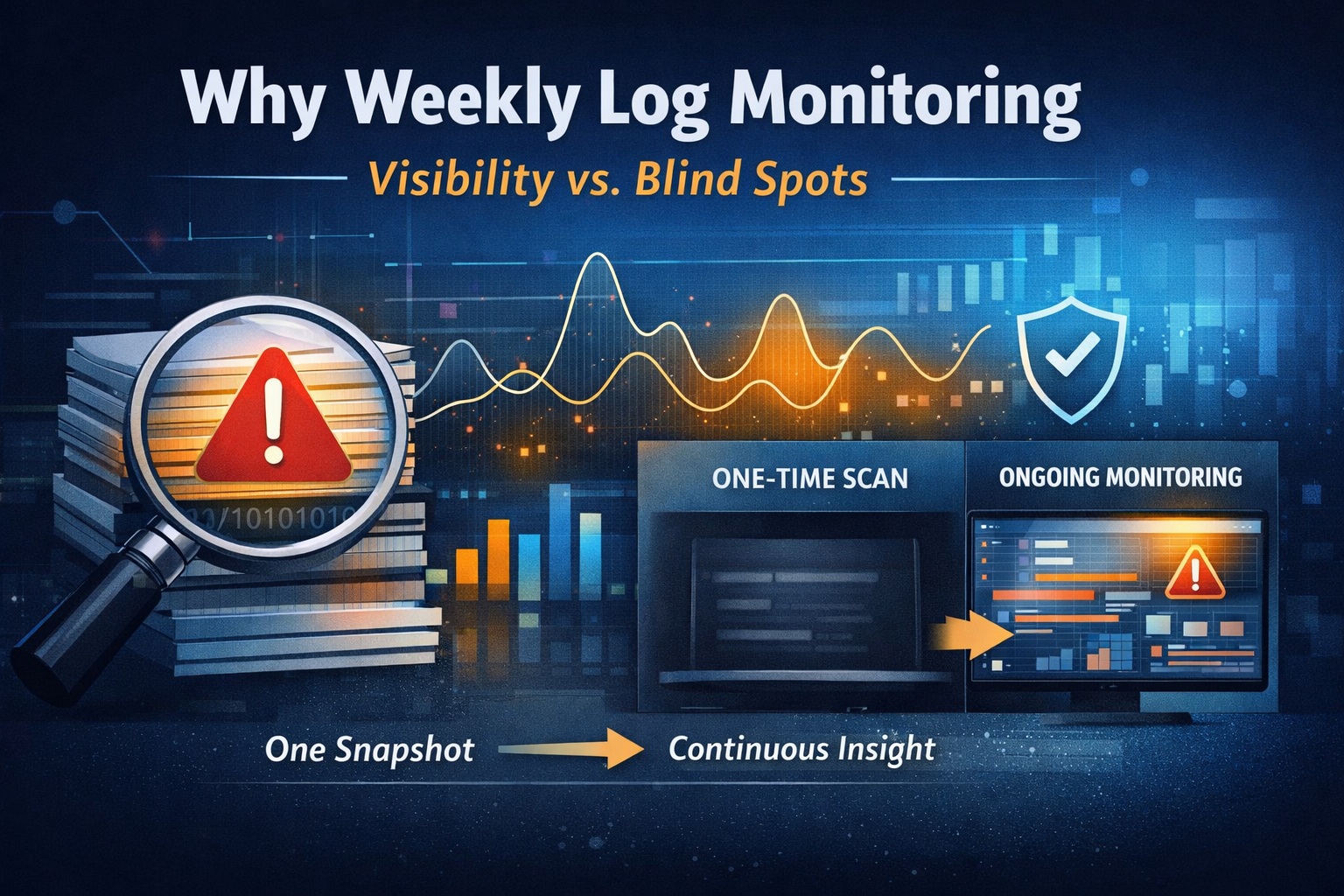
A: It’s recommended to perform scheduled scans and reviews regularly. Utilizing LogAnalyzer.AI’s Schedule Scan feature can help automate this task, ensuring timely detection.
Q: What are the consequences of ignoring brute force attack signals in logs?
A: Ignoring these signals can lead to unauthorized access, data breaches, and significant financial and reputational damage to the organization.
Q: Can small organizations effectively detect brute force attacks without a dedicated security team?
A: Yes, small organizations can leverage automated tools like LogAnalyzer.AI and adopt best practices to effectively manage security without needing large-scale resources.
Conclusion
Detecting brute force attacks is crucial for safeguarding your organization against unauthorized access and potential breaches. By understanding attack characteristics and implementing effective monitoring techniques, you can enhance your security posture significantly. Equip your security team with powerful tools like LogAnalyzer.AI to streamline log analysis, ensuring prompt detection and response to brute force attacks.
Ready to Enhance Your Security Posture? Start Your Free Trial Today!
Experience the ease and efficiency of automated log analysis. Try Smart Scan Free and see how LogAnalyzer.AI can revolutionize your security operations.